 EasyGit Backup
Finds EasyGit projects automatically
Scans your configured folders and cross-checks EasyGit metadata so nested Xcode layouts are not missed.
Built for EasyGit on macOS
Automatic discovery, iCloud dataless handling, and safe recovery for the Git repositories you keep in iCloud Drive.
iCloud can evict inactive files into dataless placeholders. A normal backup utility may archive empty stubs. EasyGit Backup materializes what it needs, then archives real Git history.
Scans your configured folders and cross-checks EasyGit metadata so nested Xcode layouts are not missed.
Detects APFS dataless flags and ubiquitous download status, then downloads content before packaging.
Creates git bundle archives with SHA-256 checksums, optional working-tree extras, and EasyGit config capture.
Restores to isolated staging by default, verifies integrity, and can run canary restores before you trust a snapshot.
Hourly, daily, or weekly schedules with optional wake/login catch-up—runs even when the app window is closed.
Write to local folders, external disks, NAS mounts, and secondary cloud sync folders—with optional AES-256-GCM encryption.
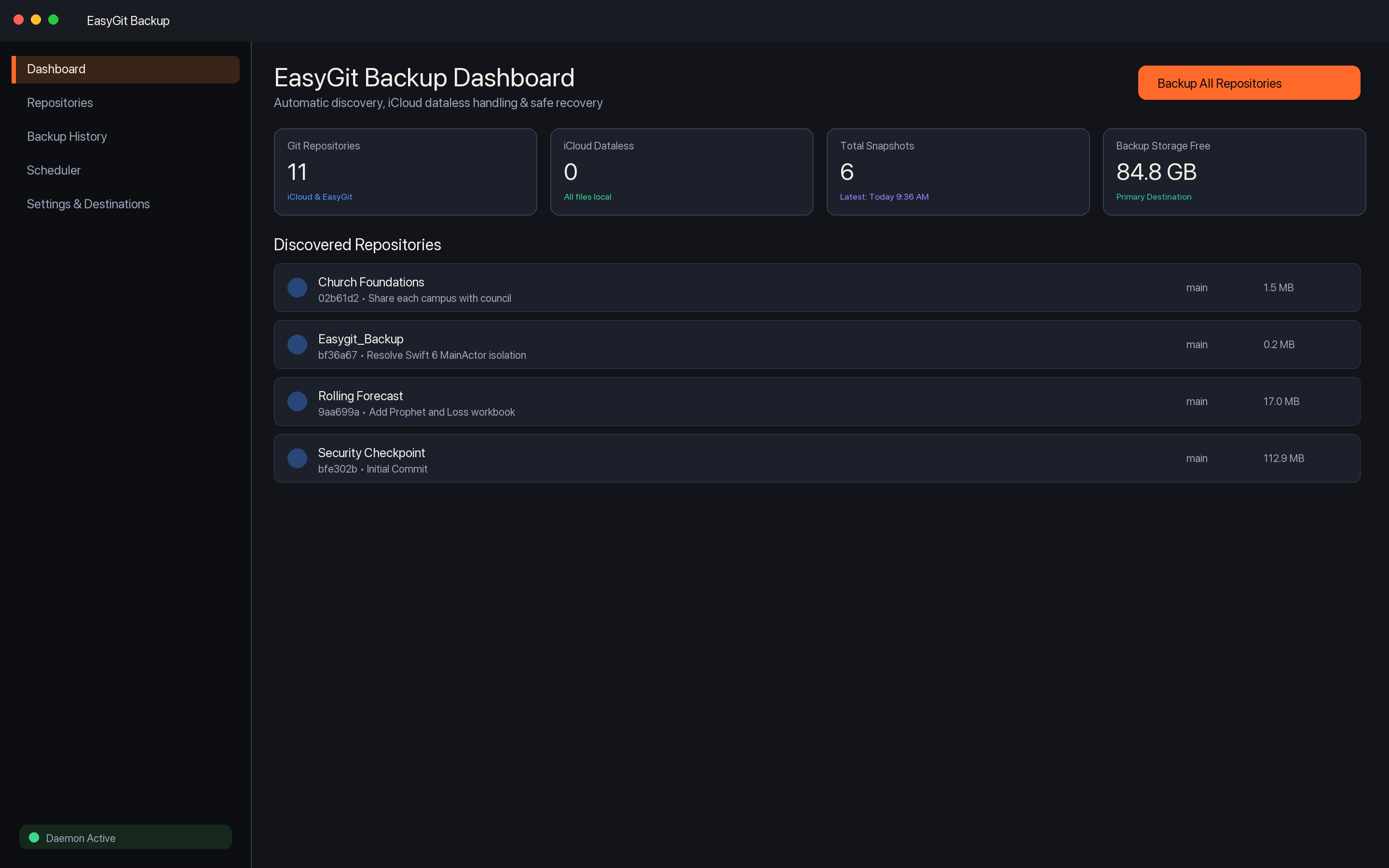
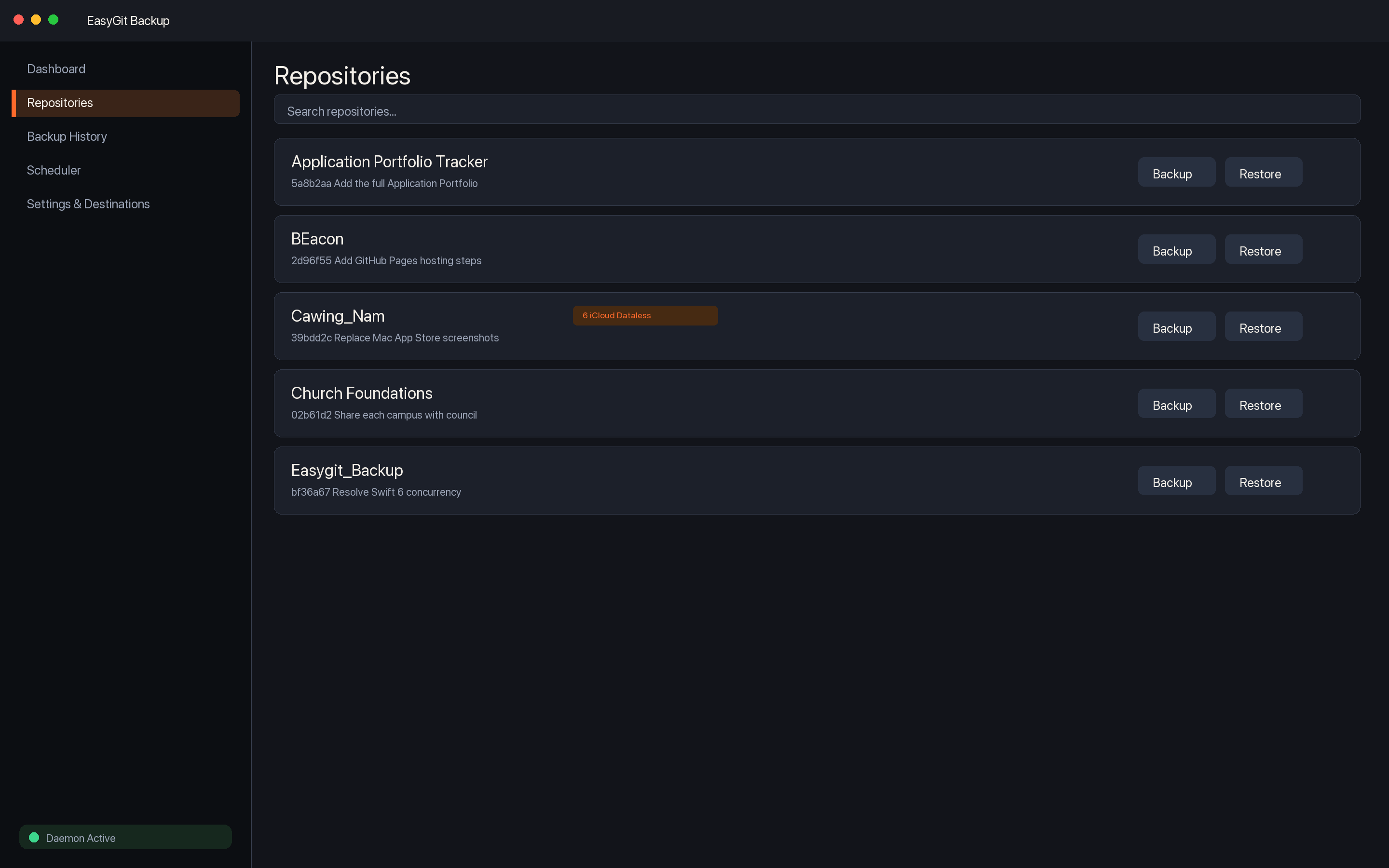
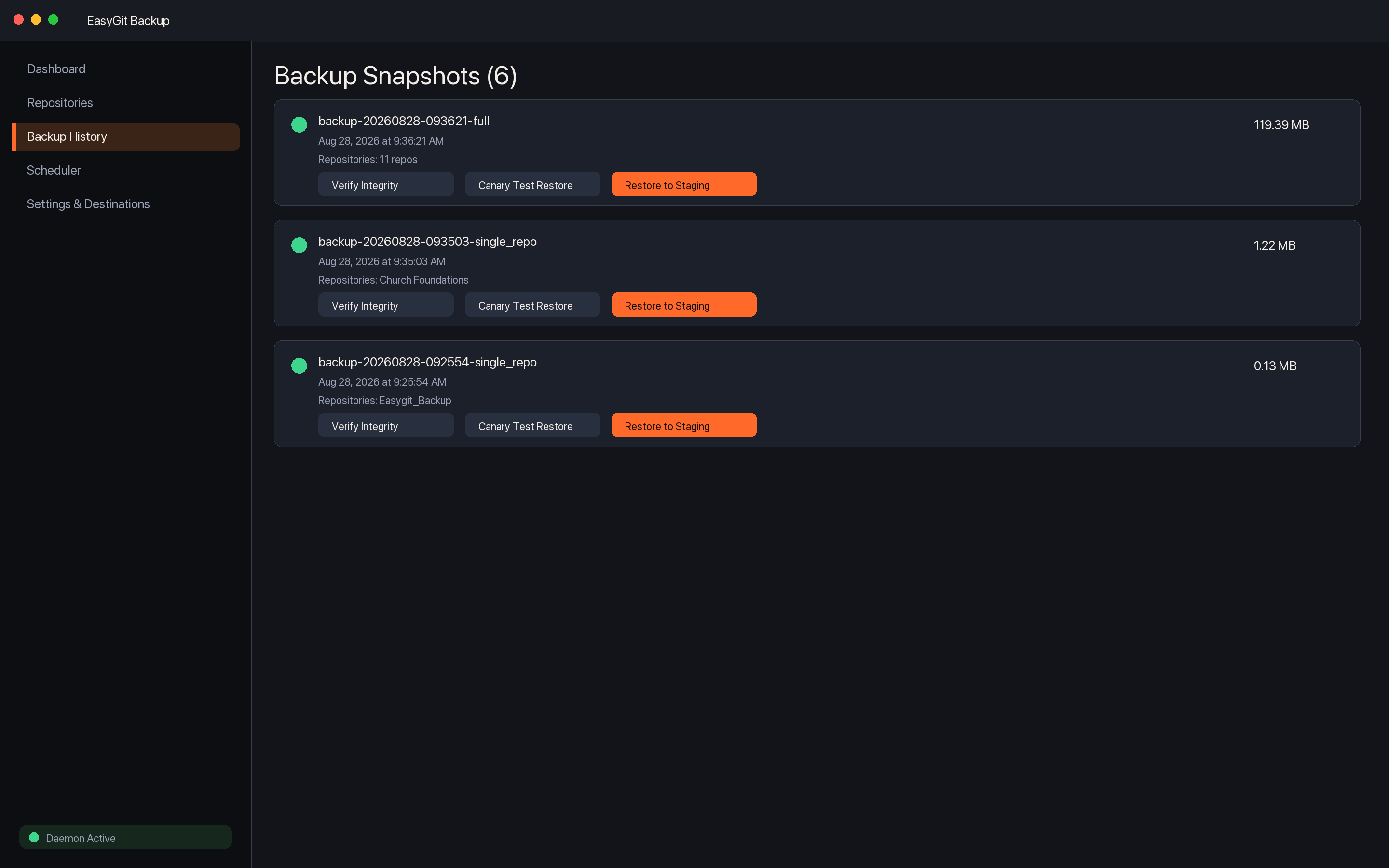
A focused sidebar for everything you need day to day.
Repository counts, dataless warnings, storage headroom, recent snapshots, and next scheduled backup at a glance.
Browse discovered repos, back up one project, or restore from the latest known-good snapshot.
Inspect manifests, verify integrity, run canary restores, and restore whole snapshots to staging.
Configure cadence and execution time, activate the daemon, manage destinations, and tune retention.
EasyGit Backup does not include advertising SDKs, analytics trackers, or account sign-in. Your repositories stay under your control on your Mac and on destinations you configure. Support: cawingcrows.misic@gmail.com.